Unrealscript Debugging
From Unreal Tournament 2004 MiA Wiki
New (to UT2004) debugging console commands
- Console command
Utrace- simple on/off toggle. When on it floods the log, so be careful. When on can easy flood log with GB of output! - Console command
UTrack ObjectName PropertyName- It works only when UTrace is enabled. You can pass class name or object name as the first argument, and property name as the second value.
- Changes will appear in UTrace log as on screens above.
- Console command
UProfile- collects all uscript usage and when turned off dumps in format which almost json and can be parsed by js if needed.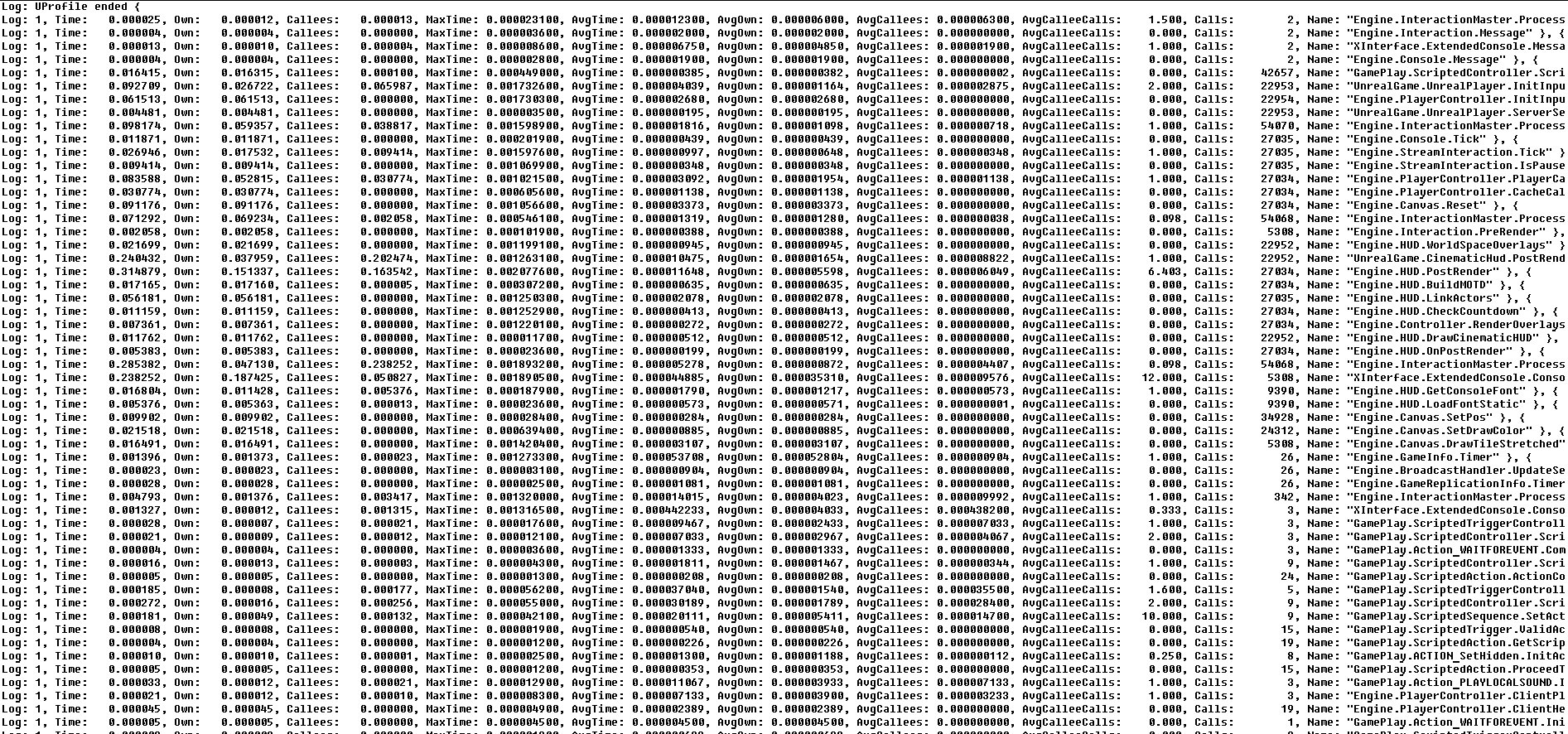
- It is good for finding slow functions or functions that are called a lot, to allow you to optimise code.
- Console command
DEBUGBREAK- when called in code emits a break for the C++ debugger (not UDebugger). It's for engine developers where they have code & pdb files, and need stop in an exact place. They can modify code and emit that console command and the engine will stop at the desired place.


UProfile ends automatically when game exits.
UTRACE and UPROFILE commands can be passed as command line arguments for the game. That turns them on in an early stage to get info about engine startup.

